Building one item at the time...

R2 gets a mini-me!

During the sci-fi convention in September, I visited the booth where they do a full body 3D scan of you, then print it out on a laser sintering 3D printer with basically same capabilities as an Inkjet printer.

This means, that you do not only get a 3D model of whatever you scanned, but it is also printed out in colour!

About a week ago, I got the results.

So: without further ado: Have a look at my 3D printed clone of my very own R2-D2:

IMG_9100 IMG_9101

By |2016-12-06T00:00:05+01:00October 7th, 2015|3D Printing, R2-D2|Comments Off on R2 gets a mini-me!

Vicker Viscount Reading Light Mount

Some A lot of parts in Star Wars are based off existing parts. Once you start learning what things are, you keep on seeing the shapes and parts everywhere.

IMG_8251

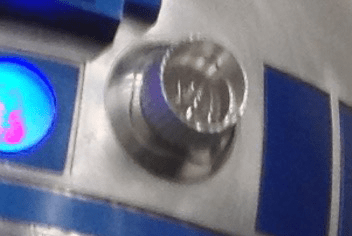
One example, which is used on multiple places, is the series of metal ridges on the right hand side of R2, which can also be found on the chest box of Darth Vader.

Turns out these were the actual coin slot of a British 60’s phone box.

Spare parts from scrapped technology was quite common. A lot of the weapons used in Star Wars was based on second world war remnants, just modified to look better and cooler!

Microphone tips from a particular brand called Hovi have been used in Stormtrooper helmets, Biker Scout helmets, Communicators, and possibly more.

Dashboard from an old Volvo have been used as interiour in the Millennium Falcon, and most notably as control panels on Han Solo frozen in Carbonite.

The Imperial Uniforms had previously been seen in a 60’s Sci-Fi, and the boots used were either post-war East German marching boots, or British riding boots. Why re-invent the wheel?

However, this post is not about those, but about the “Holo Projectors” on R2-D2. The thing that broadcasts the message from Leia in Star Wars: A New Hope. Yes. That one.

IMG_7525

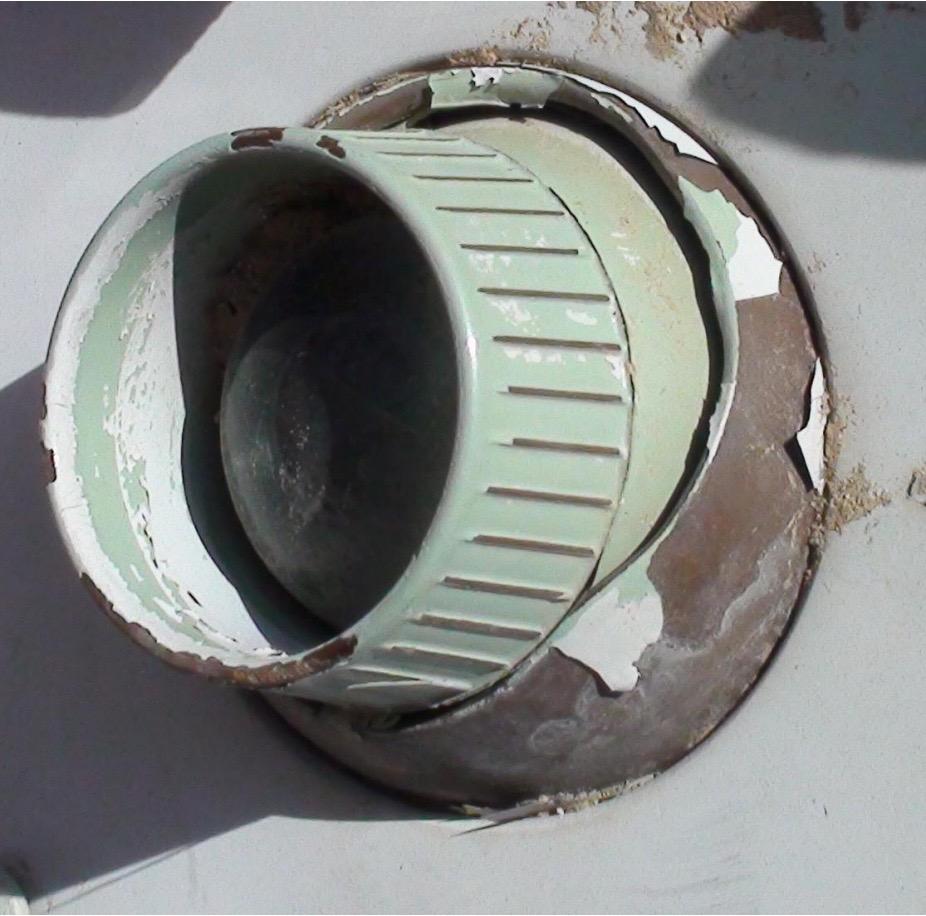
When you look at it, it is quite obvious that this part, is originally the reading light found in older air planes. In this case, from a Vickers Viscount 700-series aircraft.

A while back, my good friend managed to track down a few of these..

Vickers

Ledtråd1

..and sent me this one!

It has been sitting in a box for a long time, only brought out at some Sci Fi conventions and R2 Builder meetings to show other builders, but I felt it was time to get to work on making a proper display for it!

First up was getting all the grime off, which took a while. A lot of sanding to get dirt, sand and oxidation go, and then I started to work on the display bit.

I had a few sheets of clear acrylic laying about, and while the reading light was 65 mm in diameter, I had a hole drill that was just below that, so I figured it would be perfect!

Drilling up the big hole, followed by testing the mounting worked great.

Next up was deciding how I wanted it displayed.

I opted for a smaller display piece, and wanted protective acrylic both in front of and behind the reading light. Time for some cad!

Screenshot 2015-10-02 22.36.30

A corner bracket designed, and 3D printed..

After it all came together, it looks pretty nifty!

holodisplay1 holodisplay2 holodisplay3

This will be a nice display at the upcoming Stockholm Comic Con and Sci Fi conventions!


By |2016-12-06T00:00:05+01:00October 2nd, 2015|Building, R2-D2|Comments Off on Vicker Viscount Reading Light Mount

3D Printer Upgrade: Cable Chains

For a while, I wanted to change out the cable braids on my MakerGear M2 for chains, and now the work has been started!

Firstly, I found this nice model on thingiverse, tosdjuenfs Cable Chain: http://www.thingiverse.com/thing:40124

I printed out a bunch of those, first to test my PET, worked great, but I wanted them black, so back to the old ABS.

To mount them to the M2, I found another nifty mod on thingiverse by rklosinski: http://www.thingiverse.com/thing:151024.
Since I was not using a store bought chain, but rather my own, I downloaded the original Makergear part, and inspired by the thingiverse cable holder, I made my own version of it with a cable chain end point integrated.

I cut off part of the model in order to allow for this to be printed without supports, as well.

Screenshot 2015-09-12 20.32.14

Then I also needed to fasten the other end somehow. There is a very nice little hole near the edge where I’ve previously had a cable tie holding the Y axis cables in place. This was perfect for my needs. Now i just needed to draw and print a holder that was made for this task:

Screenshot 2015-09-12 20.22.09

Once I had printed enough links in the chain above, it was a simple matter to remove the braid and carefully thread the cables one by one (largest first) through the cable chain.
While doing this, I had them broken un into segments of 4 pieces, as this was easier to thread the cables through smaller segments.

There was one big 4MM bolt that helps holding the top plate to the steel frame that was a bit in the way, but I replaced this with a smaller screw that should normally be counter sunk, but it got the bolt low enough to allow the chain to pass over without issues.

Here’s the result of the Y-axis DONE!

IMG_8542
Now for fixing mounts for the heated bed and X-axis….

By |2016-12-06T00:00:06+01:00September 14th, 2015|3D Printing|Comments Off on 3D Printer Upgrade: Cable Chains
Go to Top